Certificate Import Procedure for Mac OS X
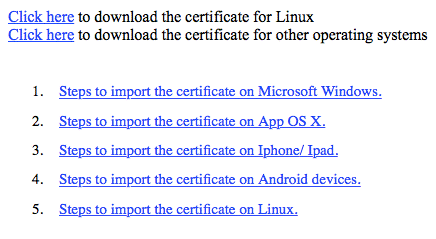
Step 1: Download the certificate from the provided link.
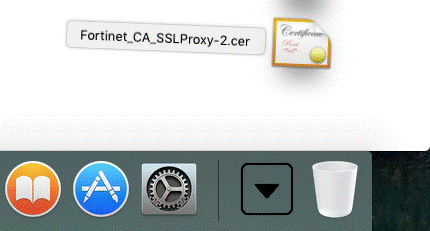
Step 2: Double click on the file to open the OS X Keychain Access tool.
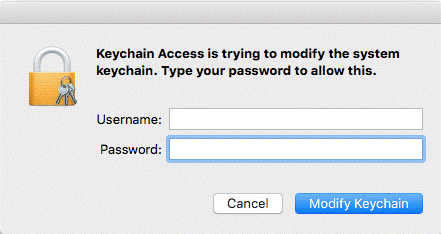
Step 3: Enter the password and provide access to modify/ update keychain.
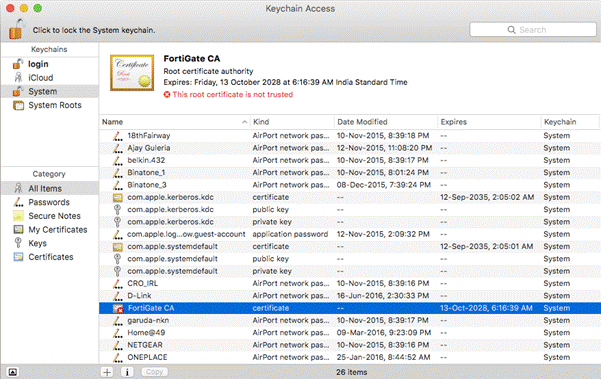
Step 4: Double Click on the certificate “FortiGate CA” as highlighted in the screenshot below
to open more details.
Step 5: Expand the Trust item and select Always Trust.
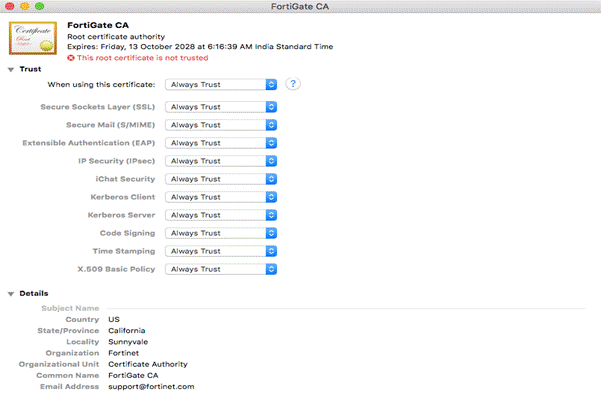
Step 6: Close Keychain Access and restart the Browser